


Instrument panel illumination
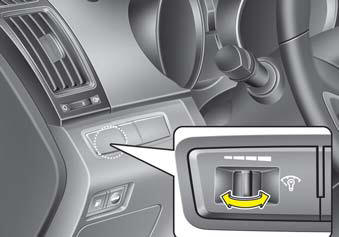
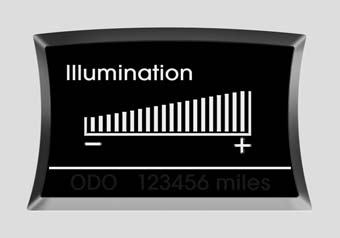
When the vehicle’s parking lights or headlights are on, push the illumination control switch left or right to adjust the brightness of the instrument panel illumination. The illumination intensity will show on the LCD screen.
See also:
Tire maintenance
In addition to proper inflation, correct wheel alignment helps to decrease tire
wear. If you find a tire is worn unevenly, have your dealer check the wheel alignment.
When you have new tires instal ...
Reset items
Items should be reset after the battery has been discharged or the battery has
been disconnected.
• Auto up/down window (See section 4)
• Sunroof (See section 4)
• Trip computer (See section 4)
...
Moisture Breeds Corrosion
Moisture creates the conditions in which corrosion is most likely to occur. For
example, corrosion is accelerated by high humidity, particularly when temperatures
are just above freezing. In such ...